I Built a Terminal Typing App Because I Was Tired of Leaving My Terminal

As developers, we spend an absurd amount of time inside the terminal.
We write code there. We run builds there. We manage servers there. We debug there. Some of us practically live there.
And yet, every time I wanted to practice typing, improve my speed, or simply warm up before a coding session, I had to leave the environment where I spend most of my day.
Open a browser.
Open a website.
Wait for it to load.
Ignore the distractions, and twenty other tabs competing for attention.
It felt wrong.
So I decided to build the typing application I always wished existed - A typing test designed specifically for developers.
One that runs entirely inside the terminal.
One that feels fast.
One that feels native.
One that gets out of your way.
That project became Klycky.
The Problem With Most Typing Apps
Don't get me wrong. Modern typing websites are fantastic. They're polished, feature-rich, and incredibly popular for good reason.
But as someone who enjoys working with developer tools, I kept noticing a small friction point.
They live in the browser. And browsers are distraction machines.
You open a typing test -> You open another tab -> Twenty minutes disappear.
I wanted something different.
Something lightweight. Something offline. Something I could launch instantly with a single command.
Like :
npm install -g klycky
klycky
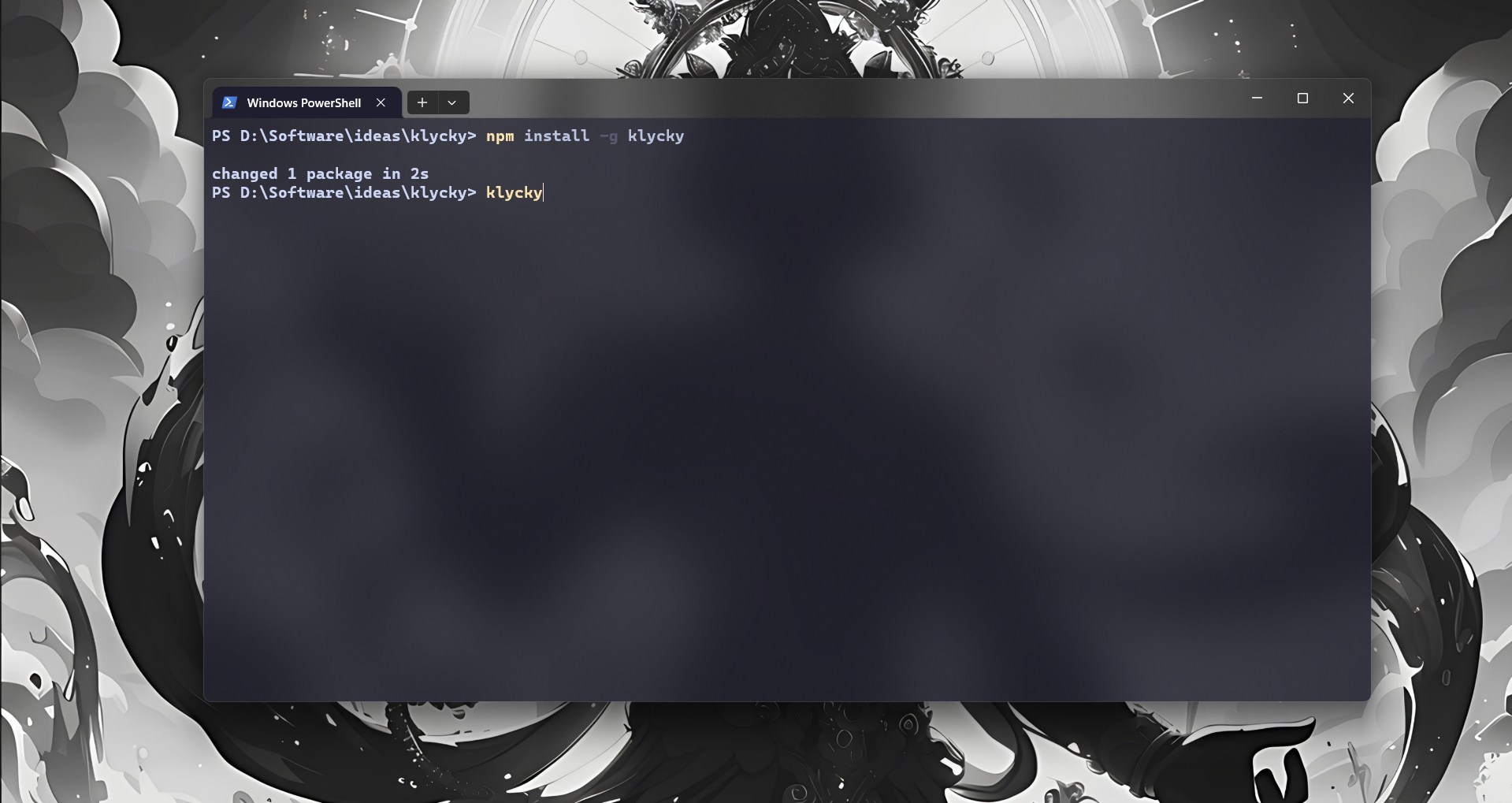
No accounts. No internet connection. No browser. Just typing.
The Unexpected Challenge
Building a terminal application sounds simple until you actually try to make one feel polished.
Most terminal applications redraw the screen frequently. When that happens, users often experience flickering, tearing, or visual instability.
For a typing application, that's a problem. Typing requires rhythm. Flow. Responsiveness.
The interface needs to disappear and let the user focus.
So I spent a surprising amount of time working on rendering performance. Klycky uses a region-based rendering approach where different parts of the screen update independently.
Static elements are rendered once. Dynamic elements update only when necessary.
The result is a smooth experience with virtually no visible flickering. Something that feels closer to a modern desktop application than a traditional terminal tool.
What I Wanted Klycky To Feel Like
I wasn't trying to create the most feature-packed typing application. I was trying to create the one I personally wanted to use every day.
That meant focusing on a few principles:
Fast startup
Zero distractions
Beautiful terminal aesthetics
Fully offline operation
Developer-friendly workflows
Instant keyboard-driven control
Over time, that evolved into features like:
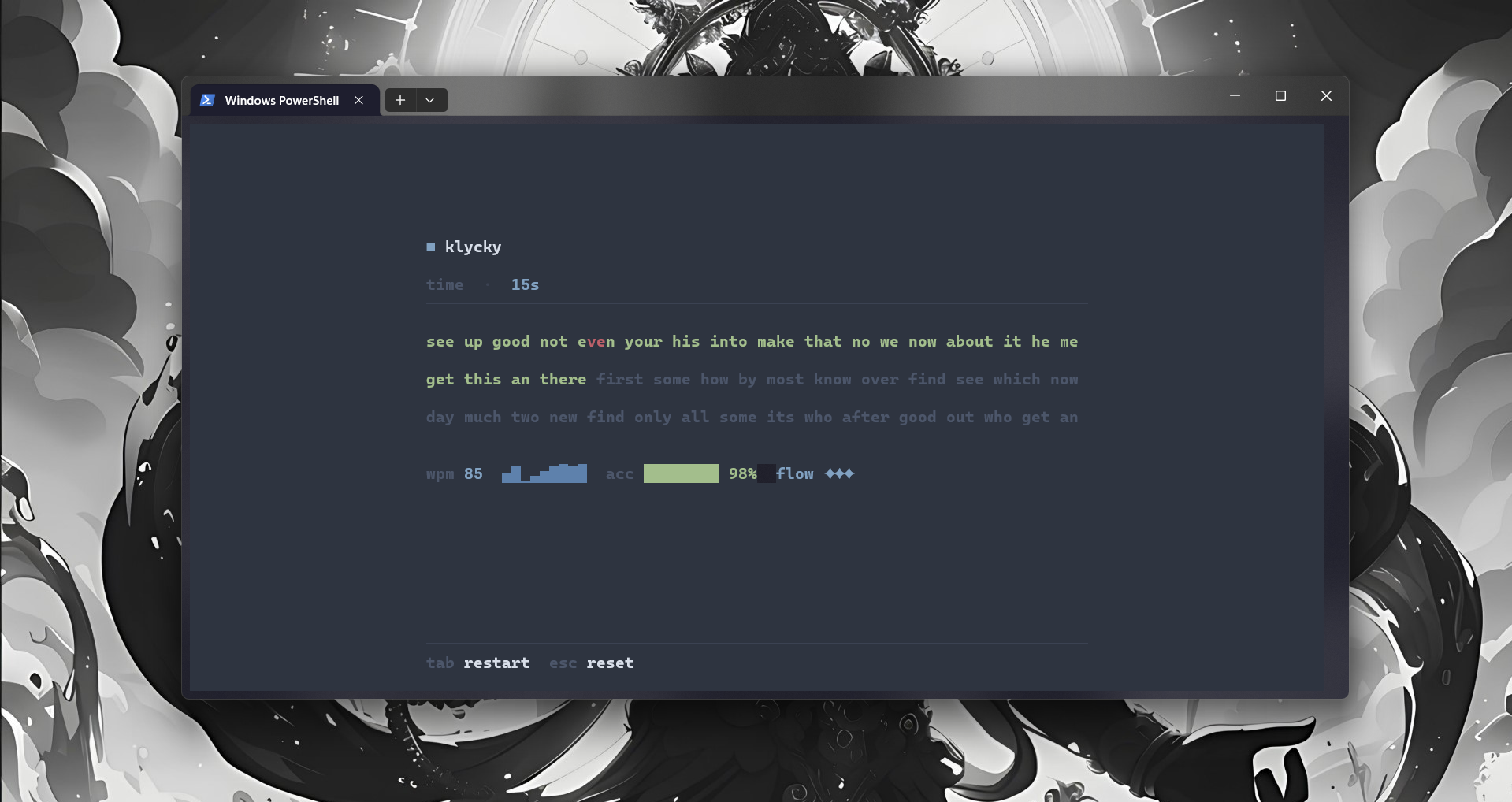
Multiple typing modes
Live WPM and accuracy tracking
Session history
Personal best records
Command palette support
Customizable themes
Focus and zen modes
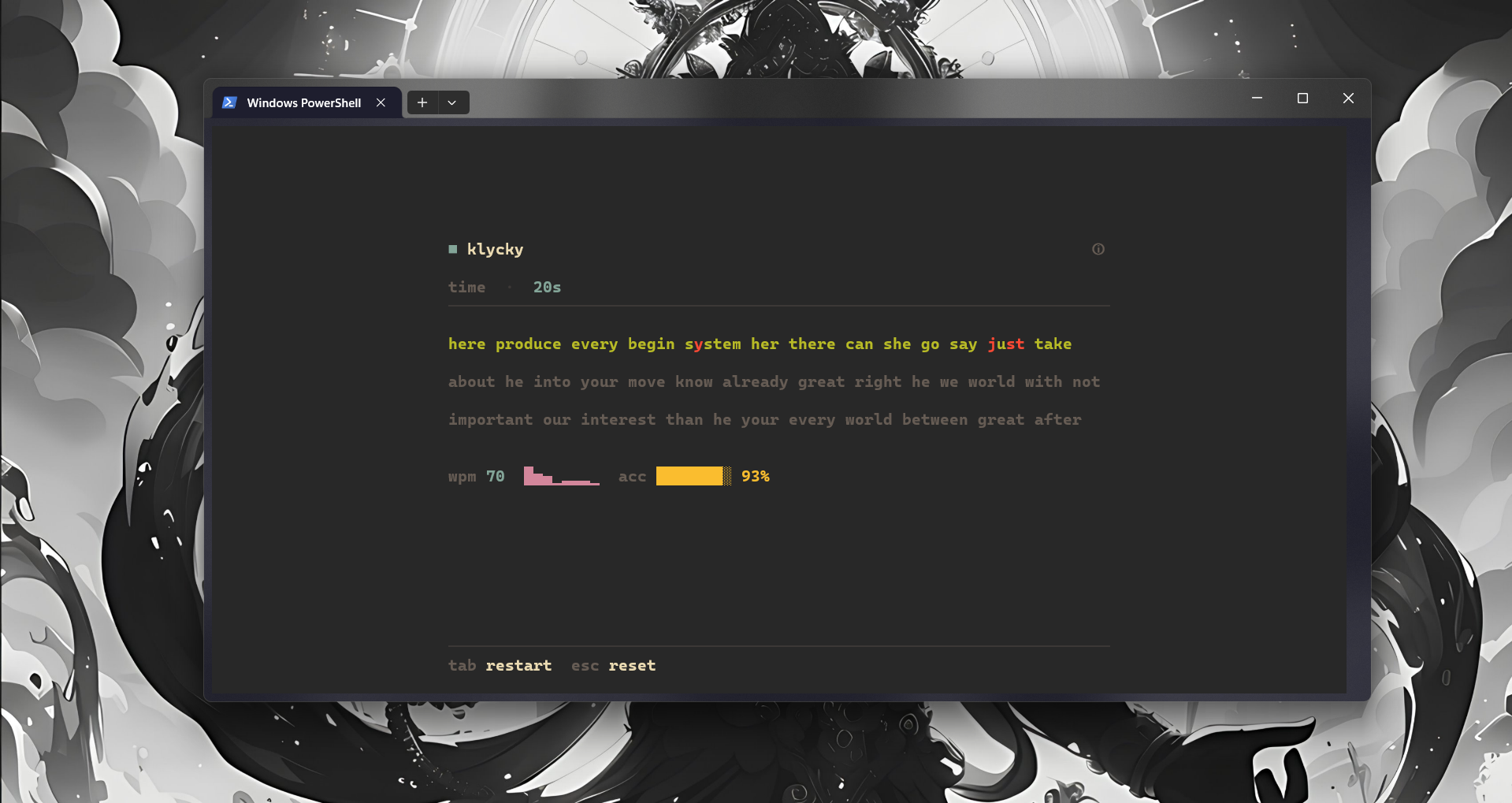
One of my favorite additions was theming. Developers care a lot about how their environment feels.
So Klycky includes themes inspired by communities many developers already love:
Catppuccin Mocha — Warm pastel colors on dark background
Catppuccin Frappé — Muted pastels on a mid-tone base
Tokyo Night — Cool blue and purple tones
Nord — Arctic-inspired color palette
Gruvbox Dark — Retro warm color scheme
Monokai Pro — Classic vibrant syntax colors
GitHub Dark — Clean, modern dark theme
Dracula — Bold purples and vivid greens
Serika Dark — Monkeytype-inspired dark gold accent
Serika Light — Monkeytype-inspired light variant
Solarized Dark — Ethan Schoonover's precision palette
Rosé Pine — Soho vibes with muted rose tones
Carbon — IBM Carbon design system colors
Olive — Earthy greens and natural tones
Bouquet — Soft florals and lavender hues
Café — Warm coffee and cream palette
Cyberspace — Neon greens and cyberpunk glow
Screenshots of some of the themes attached below :
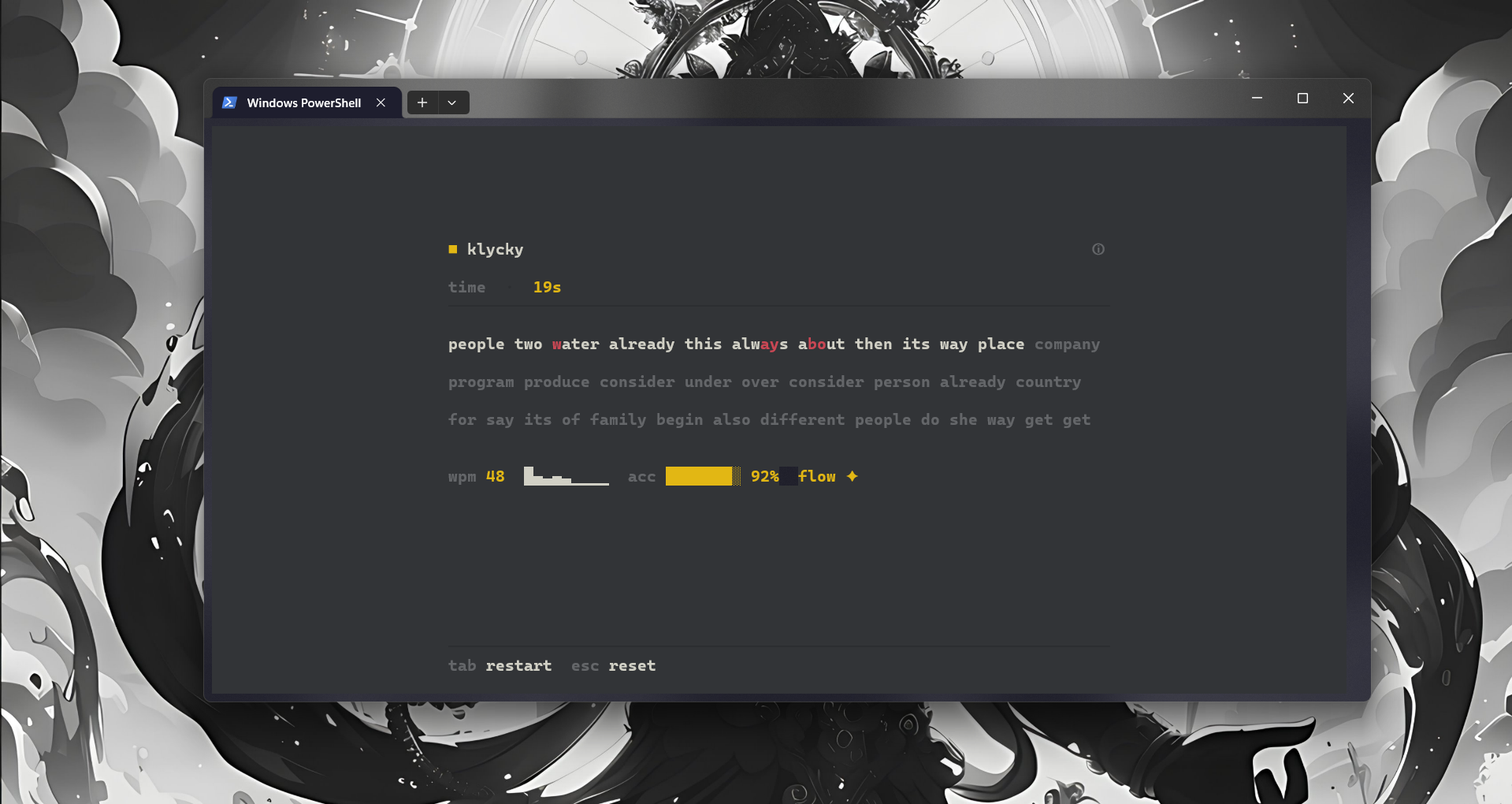
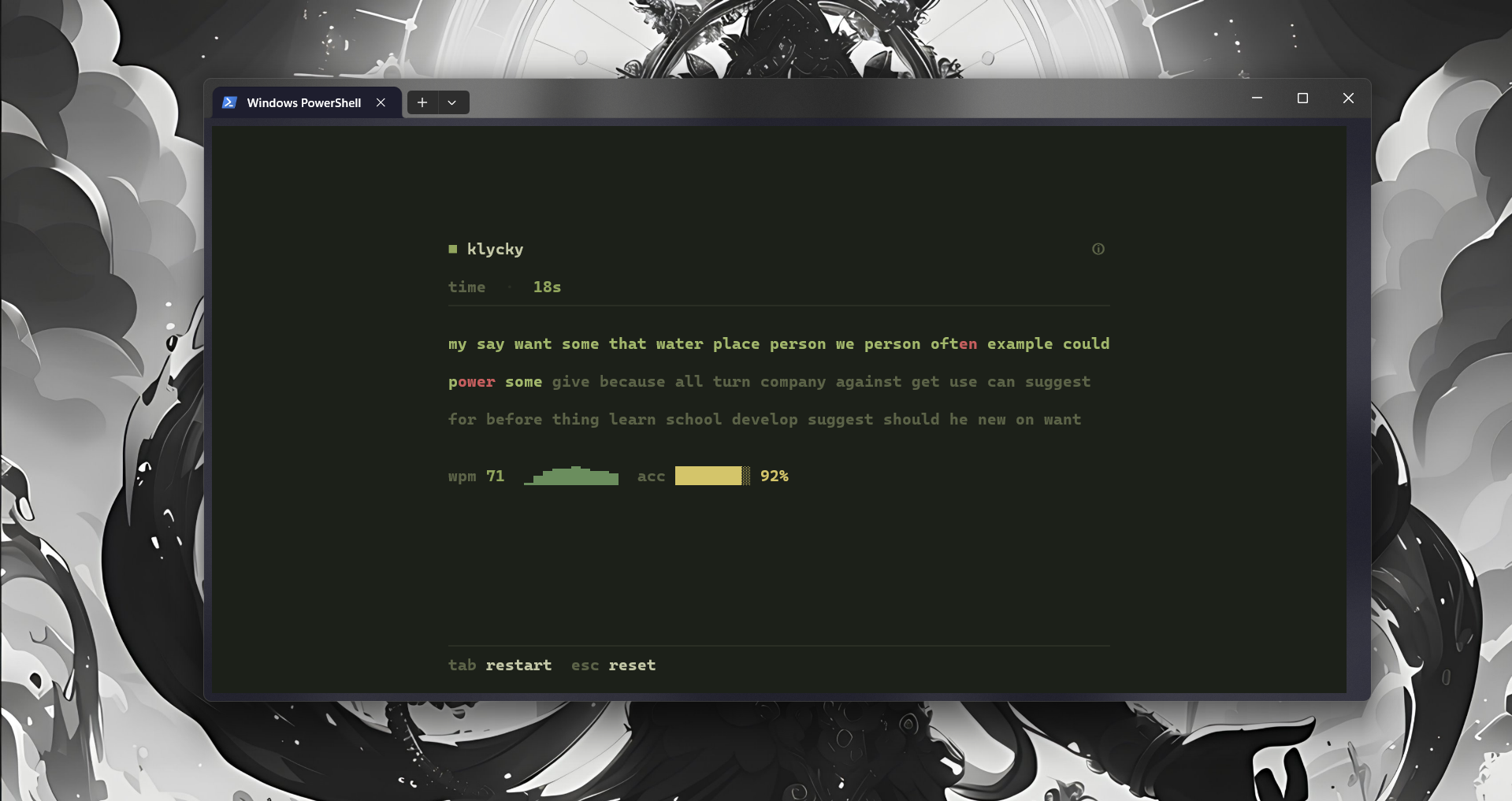
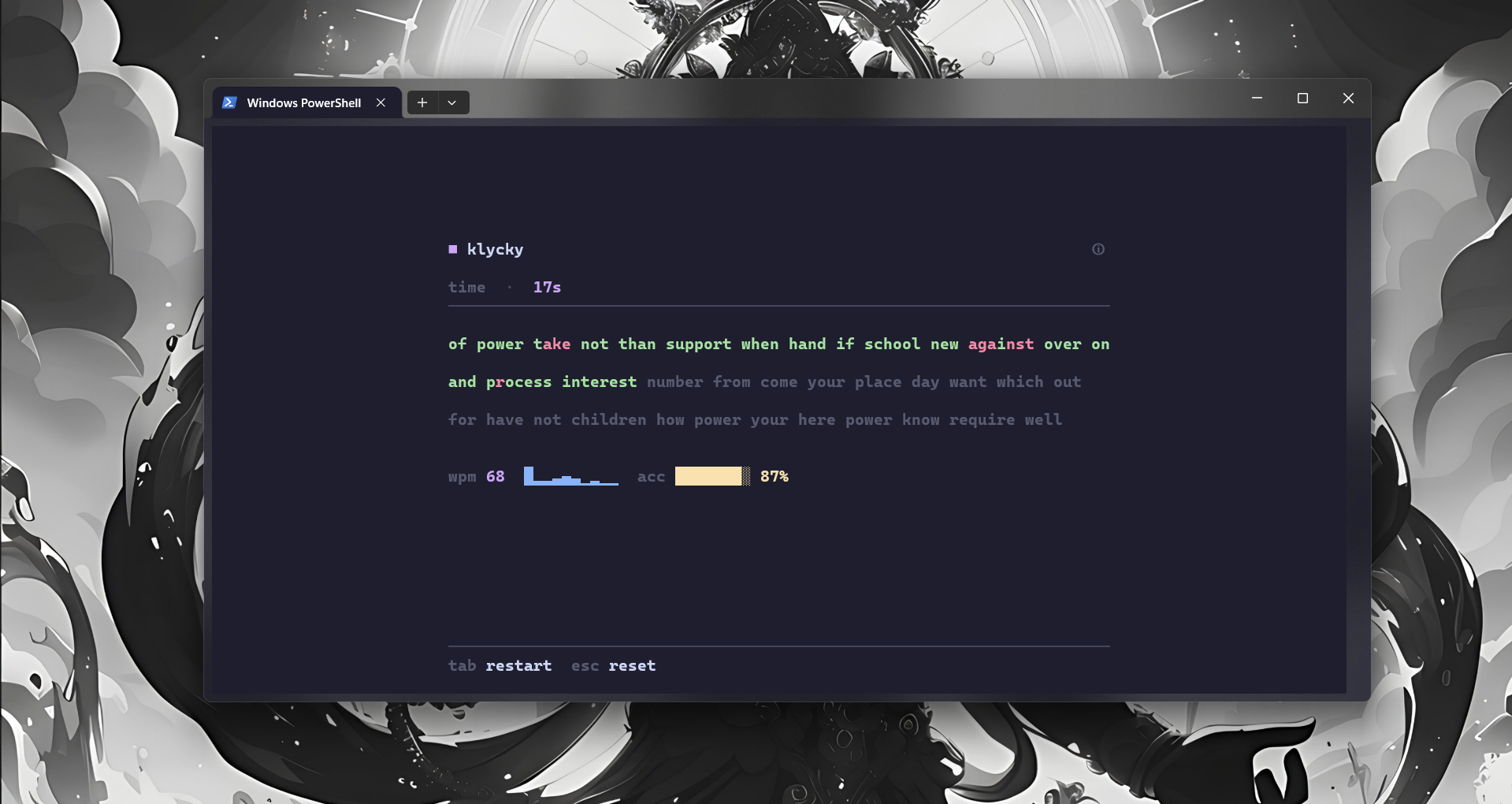
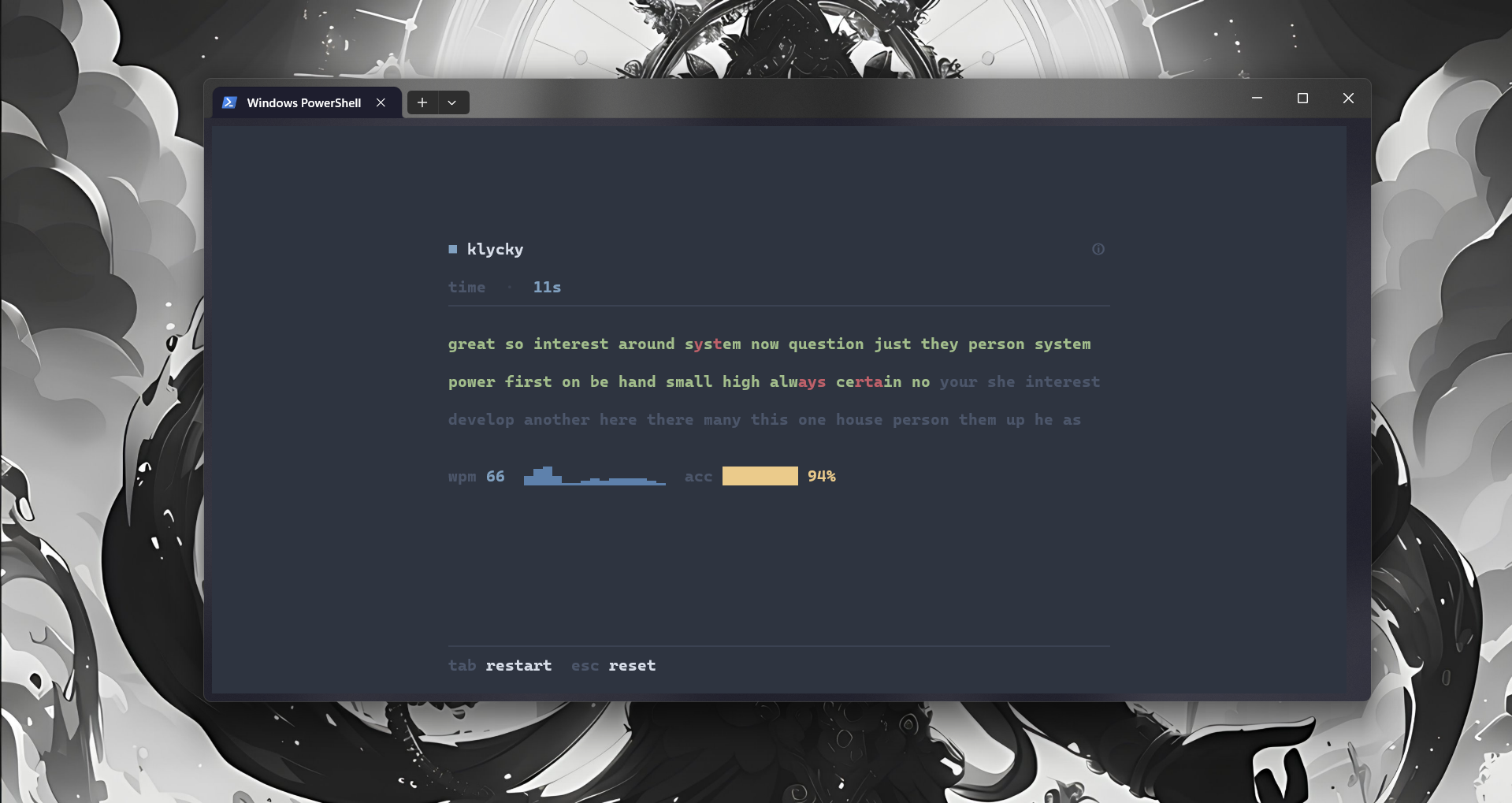
And several more planned for the future.
Open Source From Day One
Klycky is completely open source.
Not because open source is trendy. Because developer tools become better when the people who use them can shape them.
In fact, some of my favorite improvements have come directly from users opening issues, suggesting themes, requesting features, and sharing feedback.
Seeing someone discover a project you built, install it, use it, and then take the time to contribute ideas is one of the most rewarding parts of building software.
What I Learned Building It
This project taught me something interesting.
The hardest part of software isn't always writing code. Sometimes it's identifying a tiny annoyance that everyone accepts and deciding it's worth fixing.
Leaving the terminal to practice typing isn't a huge problem. Nobody's losing sleep over it.
But thousands of useful tools exist because someone noticed a small friction point and thought:
"There has to be a better way."
Klycky is my attempt at making one small part of the developer experience a little better.
Try It
If you're curious, you can install it directly from npm:
npm install -g klycky
klycky
Or run it without installing:
npx klycky
I'd genuinely love feedback from developers who spend most of their time in the terminal.
What features would make a typing application indispensable for your workflow? What would you want to see next?
I'm building Klycky in the open, and every suggestion helps shape where it goes from here.
Happy typing. ⌨️
Find Me Across the Web
-💬 DEV.to: @devdebpriyo
-🧠 Hashnode: Debpriyo Ghosal
-🐦 X: @deb_isadev
-💻 GitHub: @DevDebpriyo
-🔗 LinkedIn: Debpriyo Ghosal
-🌐 Portfolio: debpriyo.is-a.dev
-🧭 All links: Links
About the author
- Hey, I’m Deb — a developer who loves building clean, functional, and user-friendly web and app experiences. I enjoy exploring everything from front-end aesthetics to back-end systems that make ideas come alive. In my blogs, I share practical insights, tools, and resources that make everyday tech easier — from powerful utility tools to productivity hacks and development tips. Always learning, building, and sharing along the way.
Comments
Join the discussionIf you try Klycky, I'd love to know what feature you'd add next. I'm actively building it and reading every piece of feedback.